Ubunatic Coding

Terminal Image Viewer

cat for images.

High-performance terminal image and video renderer in Go. Turns pixels into colored Unicode block characters and 24-bit ANSI true-color directly in your shell — with zero external daemons or Electron bloat.

Recorded demo: static SVG rendering, spark/best mode, image sequences, and the player forwarder.

Why cati?

An image in a terminal sounds simple: sample pixel colors, pick a character, and emit ANSI escape codes. In practice, the hard part is preserving image fidelity while respecting the rigid geometry of a text cell grid.

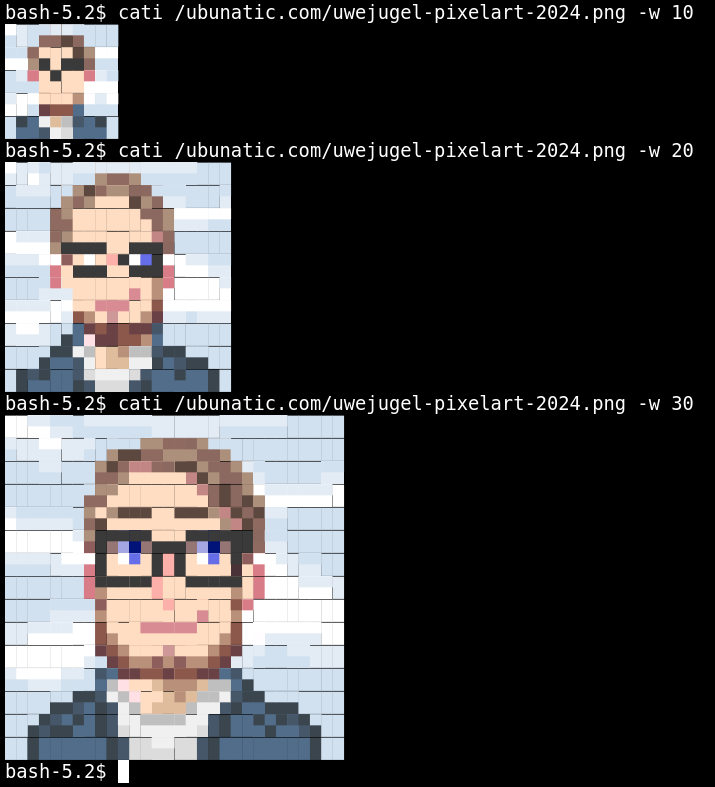
Each terminal character cell can encode two vertical pixel rows with half-blocks (▀, ▄), four subpixels with quadrant blocks (▖, ▗, ▘, ▝), or six subpixels with Unicode sextants. Cati was engineered to bridge this gap cleanly: combining raster decoding, SVG rendering, and video playback into a single, inspectable Go CLI and reusable rendering library.

The Engineering Goal: Accurate pixel aspect ratio snapping and fast rendering across Tilix, Kitty, Foot, Ptyxis, Alacritty, and the Linux VT.

Capabilities & Render Modes

Subcell Block Geometry

Supports half-block (1×2), quadrant (2×2), sextant (2×3), and 3×3 composite modes. Dynamically balances color error against spatial resolution.

Pure Geometry Planner

Unifies width, height, aspect preservation, and alignment padding across both static images and streaming video playback. Backed by a 24-case verification matrix.

CLI, Player & Library

Use it as a shell command (cati image.png), a directory viewer, or import ubunatic.com/cati as an in-process renderer in your Go TUI applications.

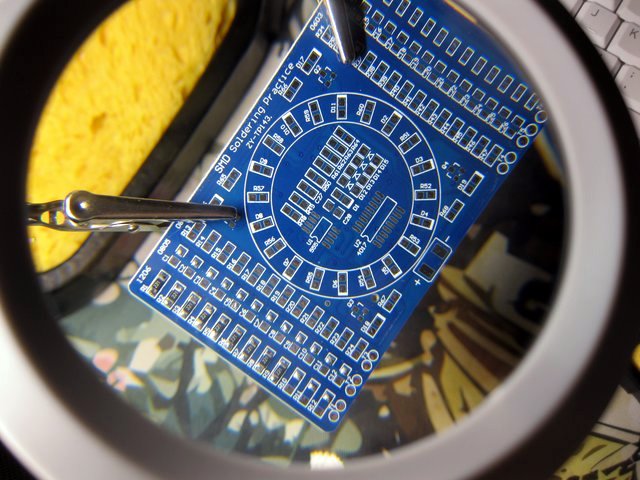
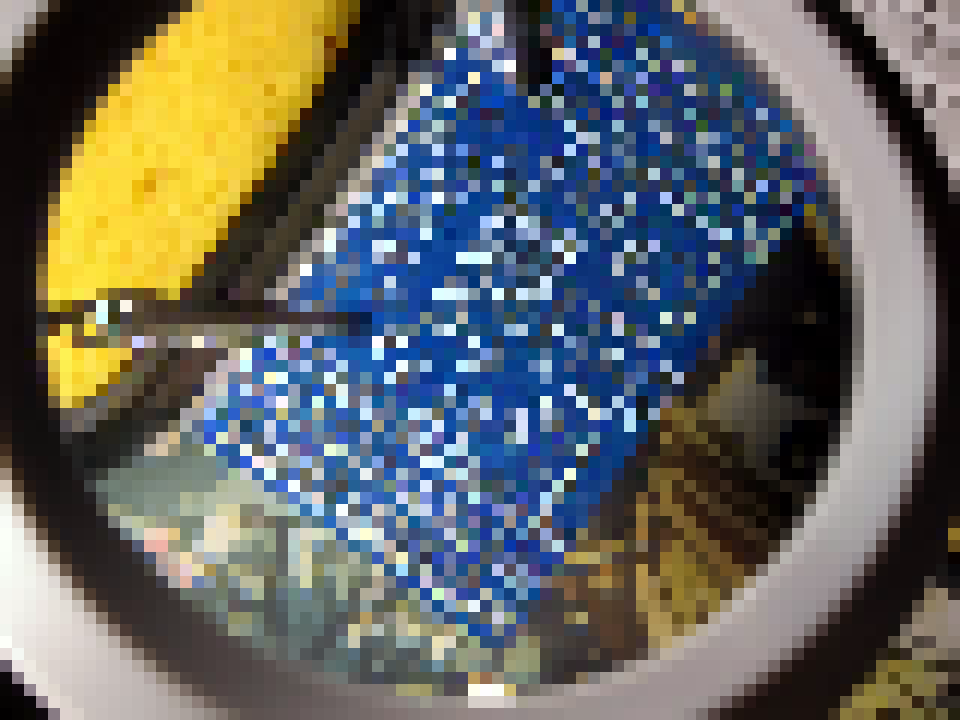
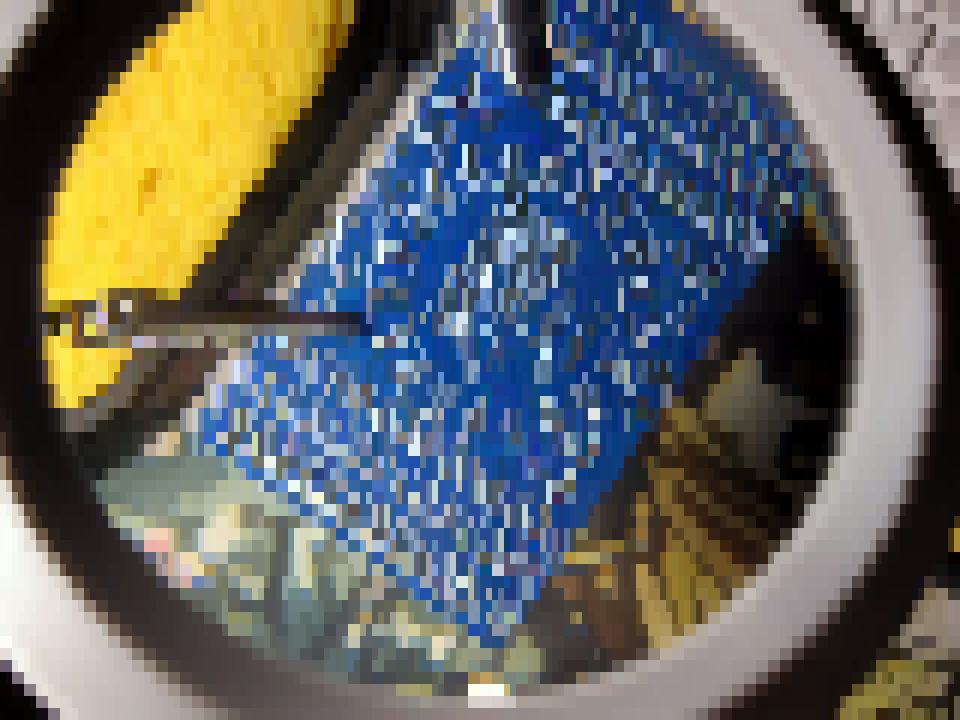
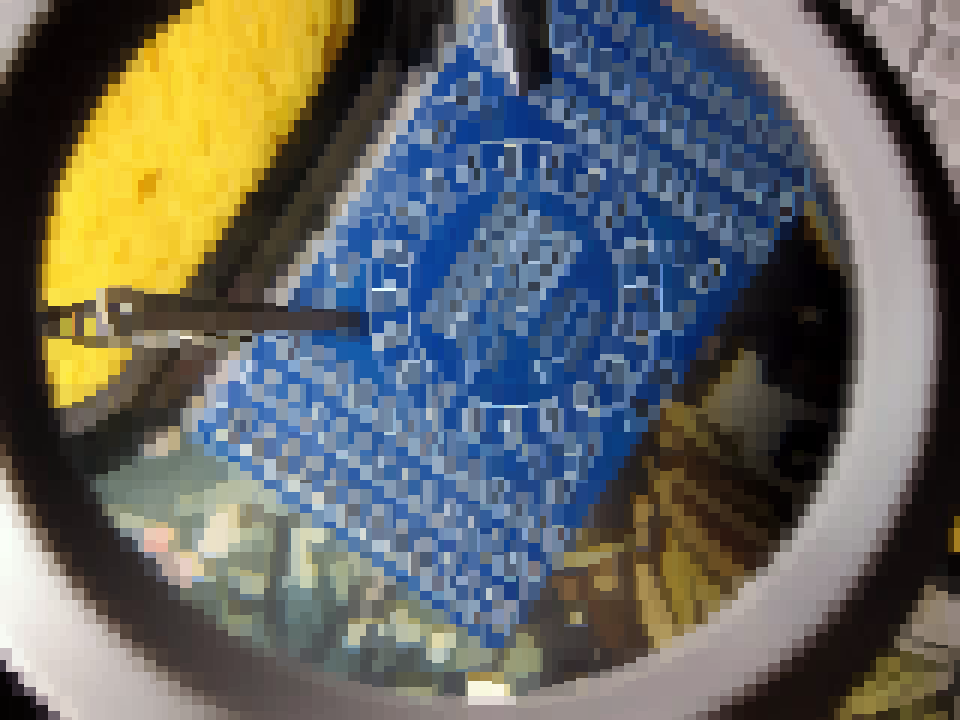
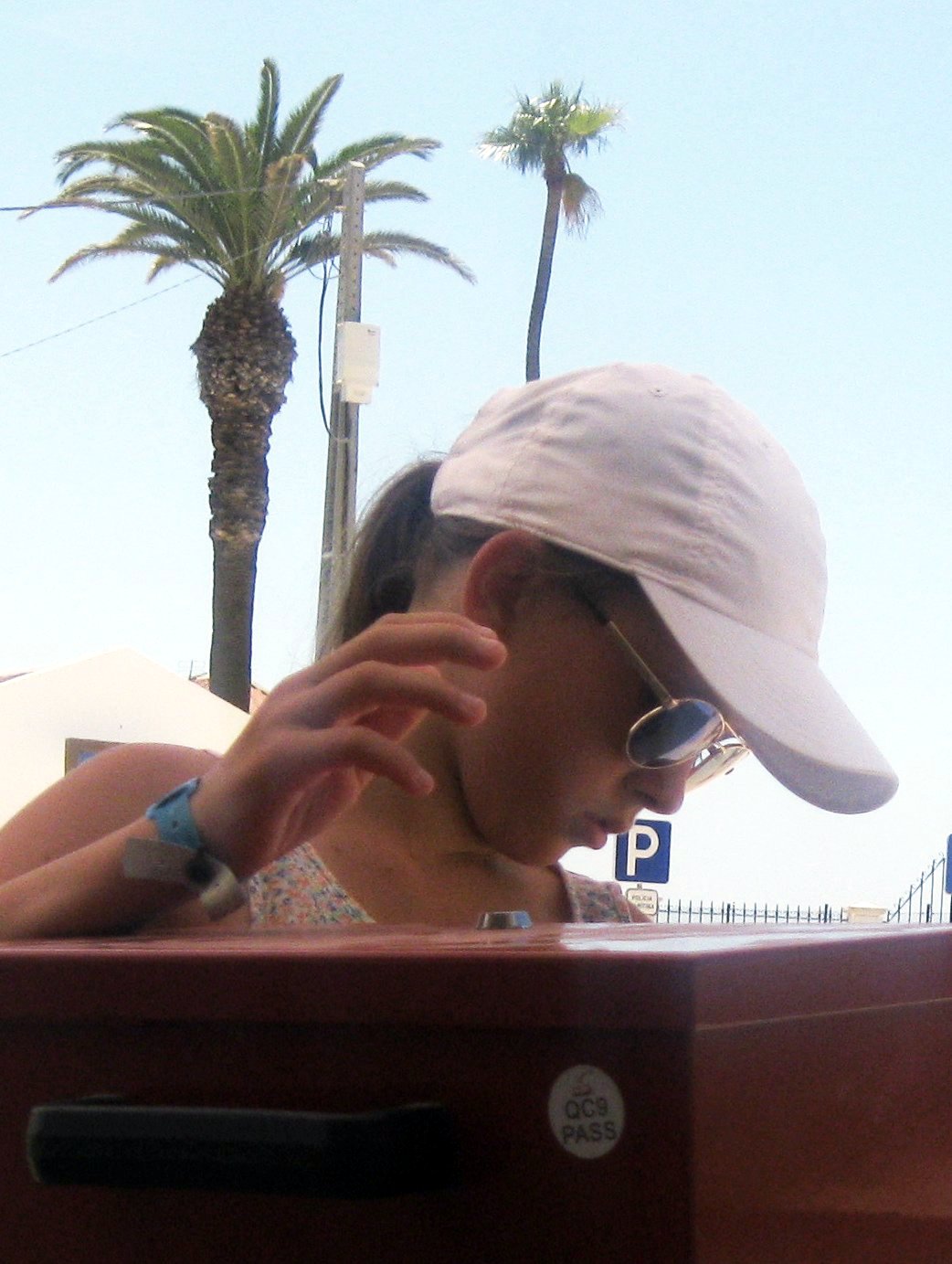
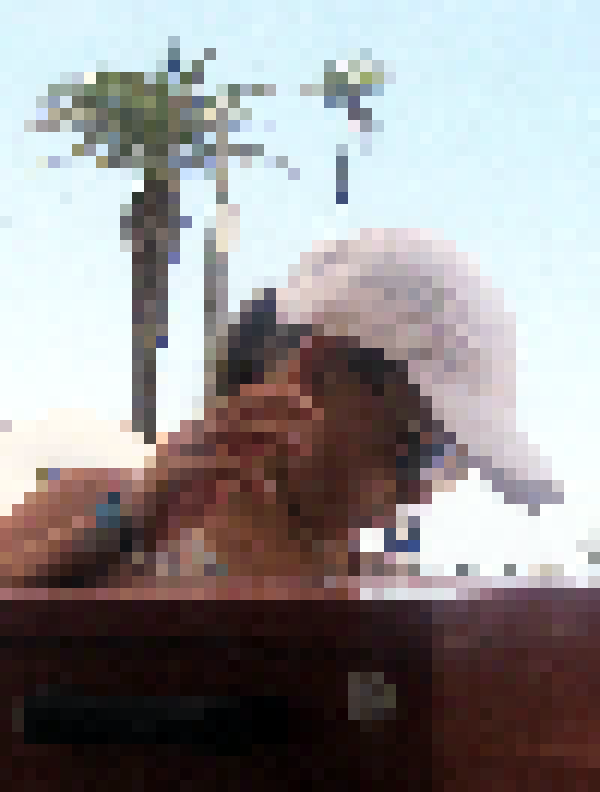
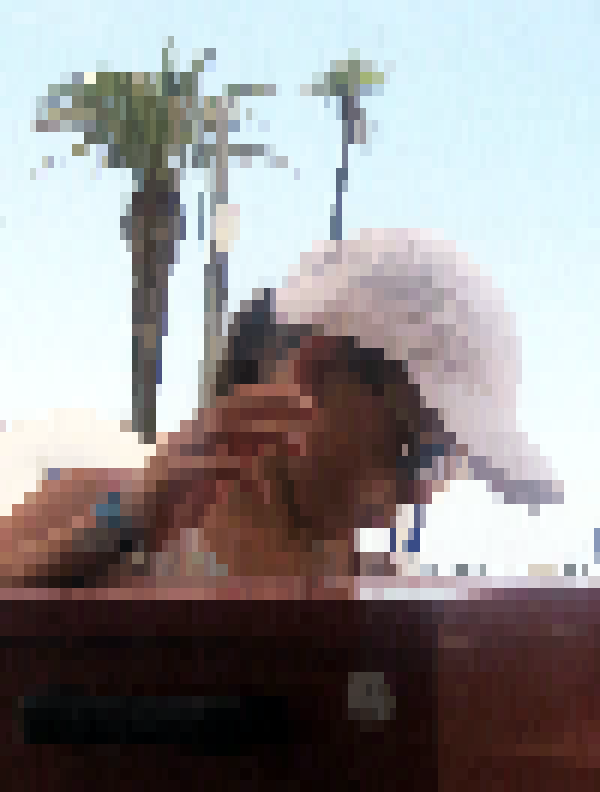
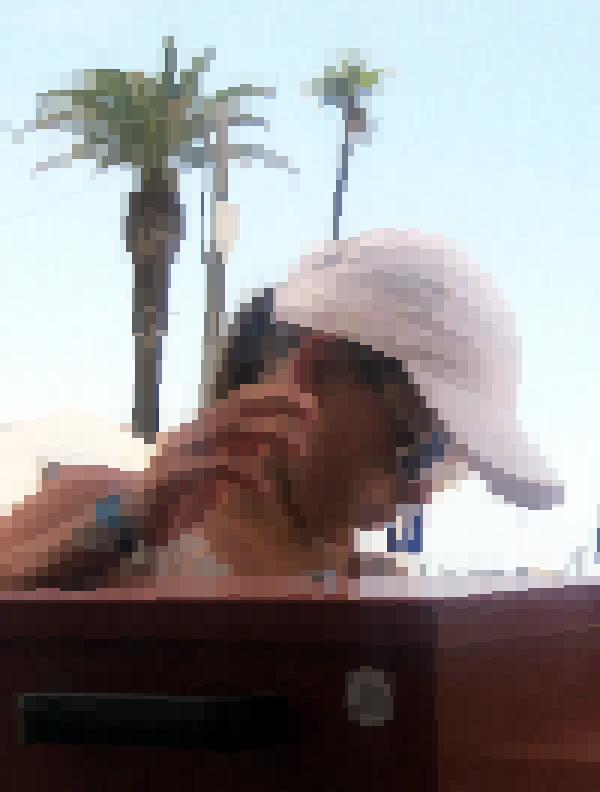
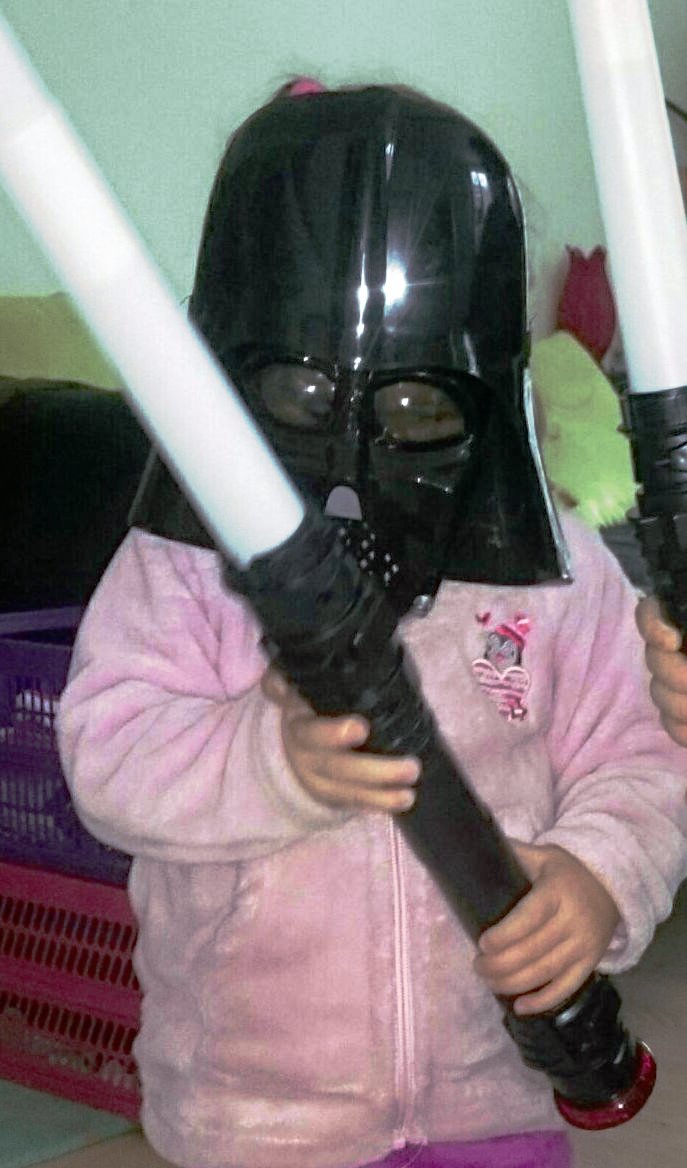
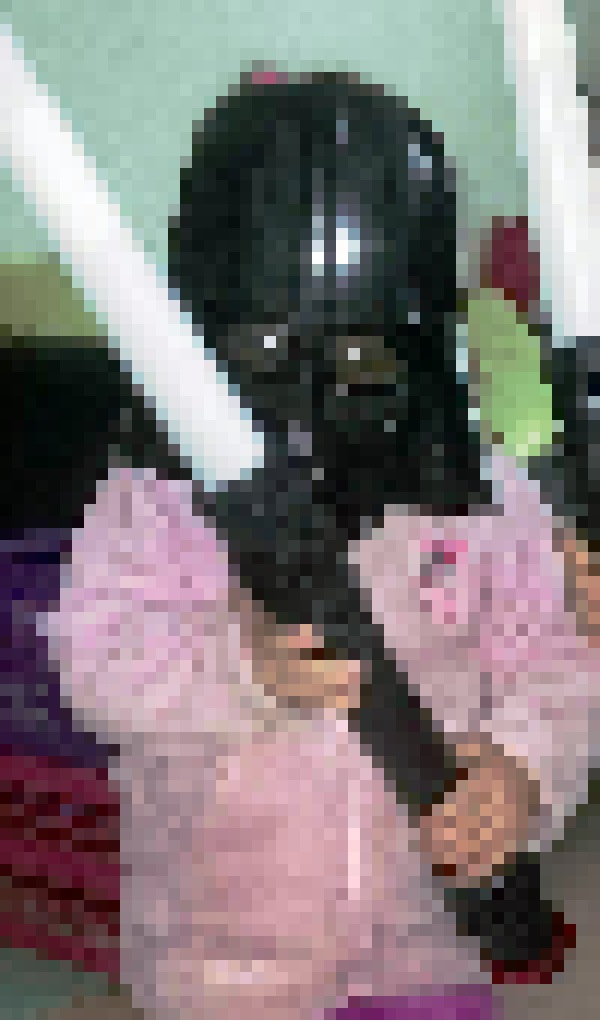
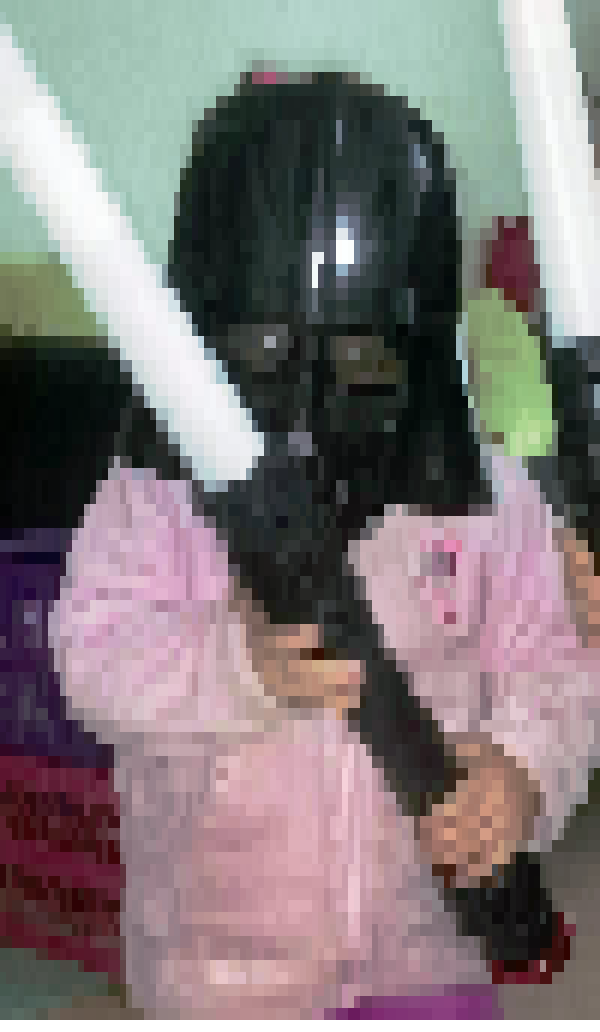
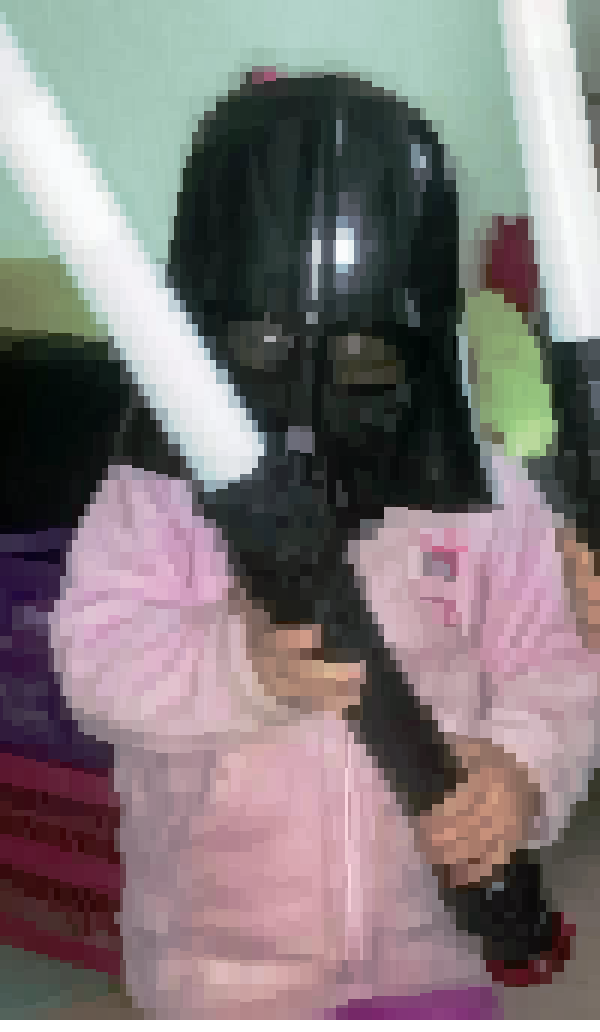
Orig, half, quad, spark

The same three samples across the rendering ladder: the original photo, then cati's half-block, quadrant and spark renders, captured from a real terminal. Select an image to open it at full size.

Images in your shell

# Quick preview of any image in your terminal
cati photo.jpg

# High-resolution sextant rendering
cati -m six diagram.png

# Stream animated GIF or video
cati play animation.gif

The Engineering Story: Managing Agents with Guardrails

Cati is a prime case study in governing autonomous AI development with strong verification gates. Over a six-week period, the repository recorded 255 commits, 27 PR merges, and 65 Go test files across 38,200 lines of Go.

Guardrail in Practice: An AI optimization is only accepted if parity checks prove the output remains visually and mathematically identical to the reference path.

1. The Geometry Snapping Trap

In late September, user options for width, height, aspect behavior, and padding had drifted into conflicting rules between the static image pipeline and the media player. Agents working on aspect ratio fixes inadvertently caused pixel-aspect distortions on non-square fonts.

The Fix: Rather than patching ad-hoc formulas, we specified a centralized Geometry Planner (Issue 075). The team created an interactive aspect test matrix with 24 test cases. The planner snaps to native subcell lattices, enforces alignment padding, and scales row heights relative to terminal character metrics.

2. High-Performance Closed-Form Sextant Math

Rendering high-resolution sextant glyphs originally used brute-force per-mask pixel scoring, which choked frame rates on terminal video playback. Working with google-labs-jules[bot] and local Harnez workers, the scoring loop was replaced with a closed-form error calculation and lookup tables, coupled with early exits for sparkline candidate searches.

Measured Result: A 40% reduction in sextant render latency and a 27.3% latency reduction for S2 mode. Strict parity benchmarks guaranteed zero visual regressions.
Verification & Invariants

Test Coverage
65 Go test files covering CLI regressions, PTY escape parsing, and color error math.
Headless PTY Canaries
Automated pseudo-terminal canaries verify ANSI cursor positions and reset sequences.
Parity Benchmarks
Benchmarks test both throughput and visual mismatch against reference renderers.
Compliance
100% REUSE 3.3 compliant (SPDX AGPL-3.0-or-later).

Getting Started

Install the three commands via Go (requires Go 1.26 or newer):

go install ubunatic.com/cati/cmd/cati@latest
go install ubunatic.com/cati/cmd/catiplay@latest
go install ubunatic.com/cati/cmd/catibrowse@latest

Or clone the repository and build locally:

git clone https://codeberg.org/ubunatic/cati.git
cd cati
make build
./cati testdata/checkerboard_4x4.png

At a glance

Stack
Go 1.26, Cobra, YAML specs, Unicode/24-bit ANSI terminals, SVG via librsvg, ffmpeg/ffplay media tools
Milestones
Geometry planner and integration (#075) · Spec ownership audit (#076) · 2×3/S2 performance improvements with Jules bot (4f60bf2)
Commits
255